I Needed Color (2017): Cast
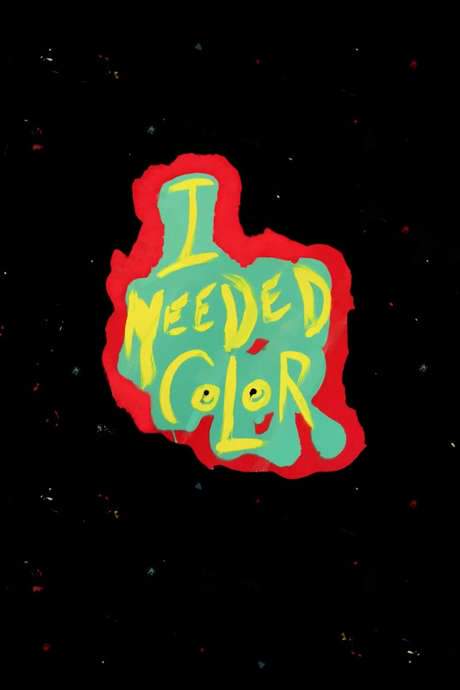
I Needed Color is a 2017 documentary directed by David L. Bushell, starring Jim Carrey. It runs 6 minutes.
- Released
- Runtime
- 6 min
- Director
- David L. Bushell
- Genre
- Documentary
- Original language
-
 English
- Studio
- Some Kind of Garden
- After the credits
- No No extra scene
What Is I Needed Color About?
The premise of I Needed Color without spoilers.
Jim Carrey exhibits his talent as a painter and reflects on the value and power of art.
I Needed Color Themes & Keywords
· 6 tags- depression
- paint
- painting
- pain relief
- name as title
- healing
I Needed Color Cast
Jim Carrey stars in I Needed Color. Directed by David L. Bushell.
- Director David L. Bushell
-
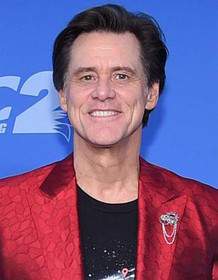 Jim Carrey as themselves
More from David L. Bushell
One more film directed by David L. Bushell: Cheech and Chong's Last Movie.

I Needed Color Also Known As
2 alternative titles: “J'avais besoin de couleur” and “Jim Carrey: Necesitaba Color”.
- Also known as
-
- J'avais besoin de couleur
- Jim Carrey: Necesitaba Color
Seen I Needed Color?
Movies Like I Needed Color
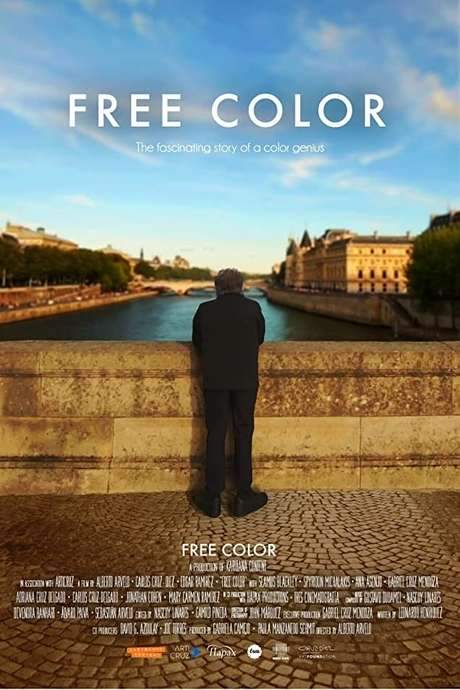
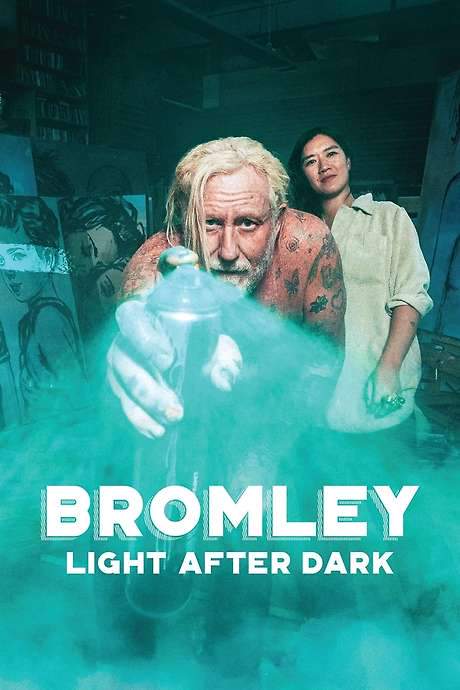
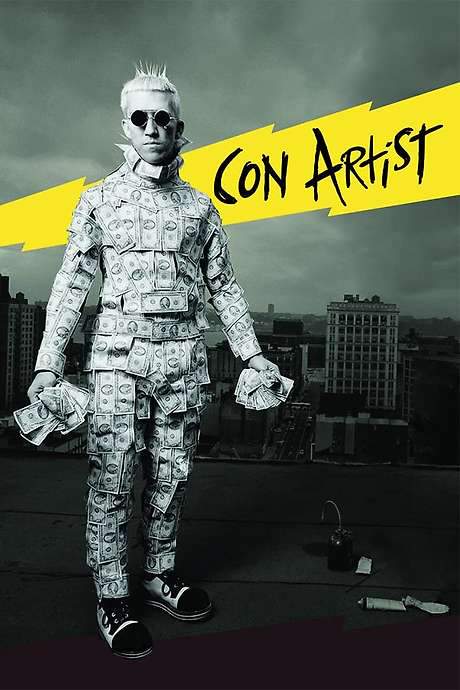
Films with a similar story, tone or audience, including Free Color, Bromley: Light After Dark and Con Artist.


I Needed Color FAQ: Cast, Runtime & Release Date
Runtime, release date, director, cast and post-credit scenes of I Needed Color, each answered in a sentence.
How long is I Needed Color?
I Needed Color runs 6 minutes.
When was I Needed Color released?
I Needed Color was released on July 25, 2017.
Who directed I Needed Color?
I Needed Color was directed by David L. Bushell.
More films by David L. Bushell Who is in the cast of I Needed Color?
I Needed Color stars Jim Carrey.
Does I Needed Color have a post-credit scene?
No. I Needed Color has no extra scene during or after the credits.
Coming soon to your phone
The Plot Explained Movie Summary App
From blockbusters to hidden gems: plot summaries, endings explained and timelines on your phone. Save your favorites and never miss a twist again.
Be the first to know when it launches. Your email stays private, always. Learn more about the app