How to Take Care of Your Yard (2000): Cast
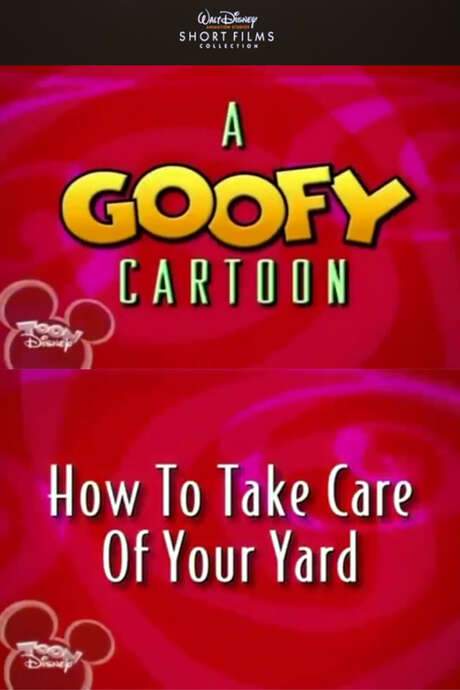
How to Take Care of Your Yard is a 2000 short animated comedy directed by Rick Schneider, starring Bill Farmer as Goofy (voice) and Corey Burton. It runs 7 minutes.
- Released
- Runtime
- 7 min
- Director
- Rick Schneider
- Original language
-
 English
- Studio
- Disney Television Animation
- After the credits
- No No extra scene
What Is How to Take Care of Your Yard About?
The premise of How to Take Care of Your Yard without spoilers.
Goofy learns to take care of his yard, throughout the four seasons. While doing so he unintentionally wrecks his house.
How to Take Care of Your Yard Cast & Characters
Bill Farmer leads the cast as Goofy (voice), with Corey Burton as Narrator (voice). Directed by Rick Schneider.
- Director Rick Schneider
- Bill Farmer as Goofy (voice)
- Corey Burton as Narrator (voice)
More from Rick Schneider
One more film directed by Rick Schneider: Mickey’s Big Break.

Seen How to Take Care of Your Yard?
How to Take Care of Your Yard FAQ: Cast & Runtime
Runtime, release date, director, cast and post-credit scenes of How to Take Care of Your Yard, each answered in a sentence.
How long is How to Take Care of Your Yard?
How to Take Care of Your Yard runs 7 minutes.
When was How to Take Care of Your Yard released?
How to Take Care of Your Yard was released on February 5, 2000.
Who directed How to Take Care of Your Yard?
How to Take Care of Your Yard was directed by Rick Schneider.
More films by Rick Schneider Who is in the cast of How to Take Care of Your Yard?
How to Take Care of Your Yard stars Bill Farmer as Goofy (voice) and Corey Burton as Narrator (voice).
Does How to Take Care of Your Yard have a post-credit scene?
No. How to Take Care of Your Yard has no extra scene during or after the credits.
Coming soon to your phone
The Plot Explained Movie Summary App
From blockbusters to hidden gems: plot summaries, endings explained and timelines on your phone. Save your favorites and never miss a twist again.
Be the first to know when it launches. Your email stays private, always. Learn more about the app